WCAG 2.2 Updates – Manual Testing Template

October 4, 2023 Post updated on Updated August 2026 Matt Dempsey 0 Comments
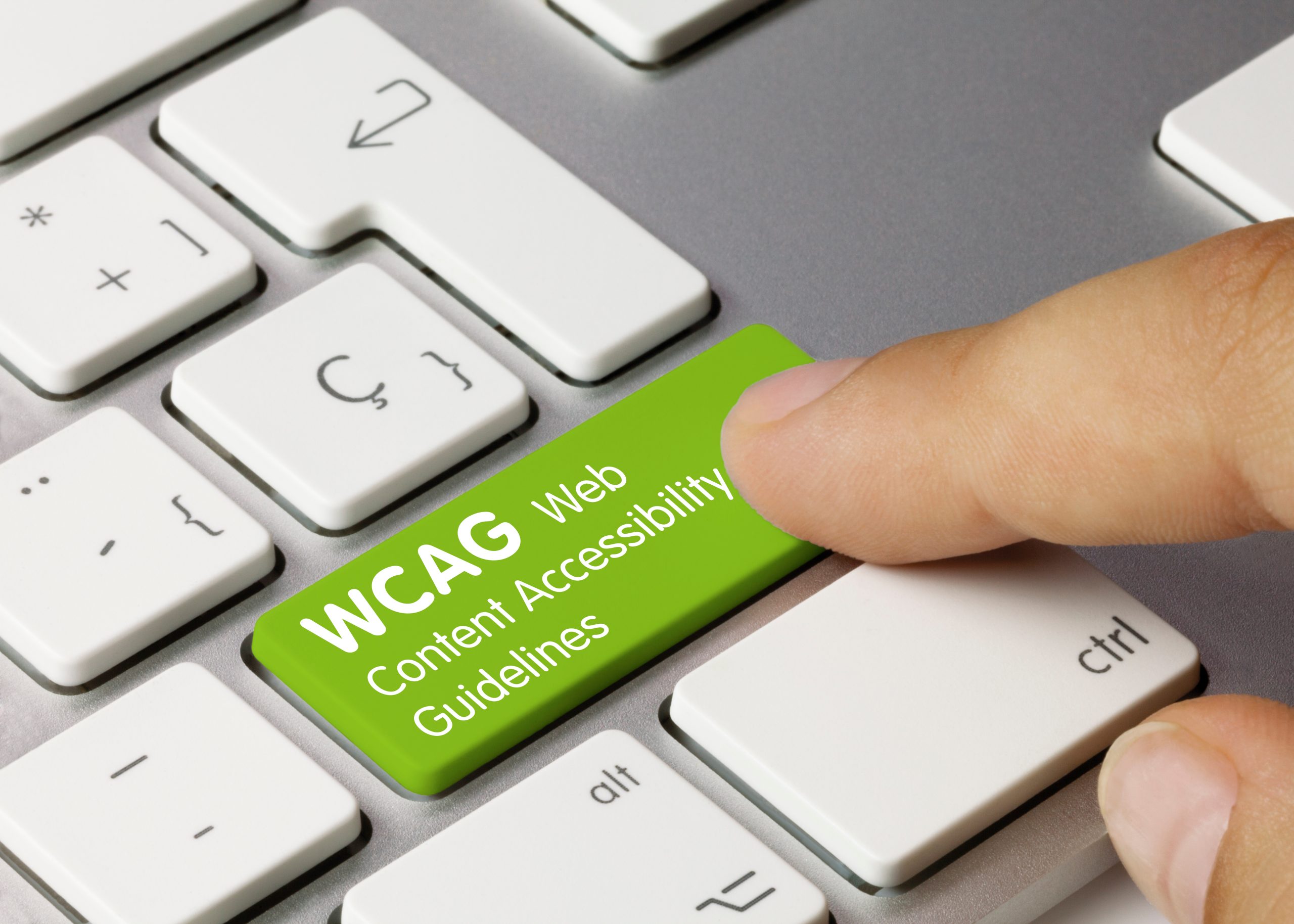
Finger pressing a bright green keyboard key labeled WCAG Web Content Accessibility Guidelines.
Featured Image: While automated tools scan the DOM, manual testing—such as navigating purely by keyboard—remains a foundational requirement for verifying true WCAG 2.2 conformance.

WCAG 2.2 introduced critical new criteria designed to address how modern audiences actually interact with the web today.

The digital landscape is no longer confined to a mouse and a desktop monitor. Today, users consume embedded social media feeds, listen to podcasts, and watch autoplaying video. They navigate via touchscreens on mobile devices or use tablets mounted in public orientations. WCAG 2.2 specifically targets these modern interaction models to ensure a frictionless experience for everyone.

These updates mandate that touch targets are large enough for users with motor impairments on mobile devices, that focus states are highly visible for keyboard navigators, and that cognitive barriers (like complex puzzles or redundant data entry) during authentication are removed. Ultimately, whether a user has a permanent disability or is simply experiencing a situational impairment—such as trying to tap a tiny button on a turbulent train ride—these strict standards ensure your digital assets remain universally operable.


The Manual Testing Template

Below is a functional snapshot of our manual testing criteria for the latest WCAG 2.2 updates. We use this matrix to evaluate interactive elements that automated DOM scanners cannot reliably verify.

WCAG 2.2 Criteria Worksheet

Target Website: [Client Domain]
Auditor Name: [Assigned Expert]

WCAG 2.2 Manual Testing Criteria and Pass/Fail Status Worksheet
Version Principle Guideline Status Notes
WCAG 2.2
Level AA
Guideline 2.4
Navigable
2.4.11 Focus Not Obscured (Minimum)
Ensure when an item gets keyboard focus, it is at least partially visible.
Pass Focus is clear and visible on both Desktop and Mobile Views.
WCAG 2.2
Level AAA
Guideline 2.4
Navigable
2.4.12 Focus Not Obscured (Enhanced)
Ensure when an item gets keyboard focus, it is fully visible.
N/A Level AAA not required to meet compliance.
WCAG 2.2
Level AAA
Guideline 2.4
Navigable
2.4.13 Focus Appearance
Use a focus indicator of sufficient size and contrast.
N/A Level AAA not required to meet compliance.
WCAG 2.2
Level AA
Guideline 2.5
Input Modalities
2.5.7 Dragging Movements
For any action that involves dragging, provide a simple pointer alternative.
N/A Draggable Elements not present in the website.
WCAG 2.2
Level AA
Guideline 2.5
Input Modalities
2.5.8 Target Size (Minimum)
Ensure targets meet a minimum size or have sufficient spacing around them.
Pass Size and spacing of buttons/links is large enough for touch click on Mobile devices.
WCAG 2.2
Level A
Guideline 3.2
Predictable
3.2.6 Consistent Help
Put help in the same place when it is on multiple pages.
Pass Contact and Search options consistent on all pages.
WCAG 2.2
Level A
Guideline 3.3
Input Assistance
3.3.7 Redundant Entry
Don’t ask for the same information twice in the same session.
Pass Form fields are not duplicated.
WCAG 2.2
Level AA
Guideline 3.3
Input Assistance
3.3.8 Accessible Authentication (Minimum)
Don’t make people solve, recall, or transcribe something to log in.
Pass Username and password are only requirements for Login. No cognitive elements required beyond basic information.
WCAG 2.2
Level AAA
Guideline 3.3
Input Assistance
3.3.9 Accessible Authentication (Enhanced)
Don’t make people recognize objects or user-supplied images and media to login.
N/A Level AAA not required to meet compliance.

Comprehensive Scope: Integrating WCAG 2.0 & 2.1

While this testing template isolates the new interactive criteria introduced in WCAG 2.2, a complete accessibility audit is fully backward-compatible. To achieve true compliance and universal accessibility, your digital ecosystem must also successfully meet all foundational requirements established in WCAG 2.0 and 2.1. Our Matrix Engine evaluates all three versions simultaneously to ensure full-scope compliance without the manual overhead.

Scale your manual testing with an automated backbone.

Moving Beyond the Audit

A manual testing template isolates the exact functional gaps within an application, but identifying the problem is only the first step. True compliance requires structural remediation.

Once an audit is complete, the critical next phase is engineering custom JavaScript and CSS accessibility engines to enforce these WCAG 2.2 standards across platforms like WordPress or Shopify. By bridging the gap between manual identification and programmatic remediation, organizations can proactively mitigate litigation risk while providing universally accessible experiences.